Media controls
See what is playing and control playback from the notch, without switching apps.
 On the Mac App Store
NotchOS is a Mac app for MacBook owners who want their everyday tools one gesture away. Hover over the notch and it opens into a panel with more than 40 widgets, from media controls and file staging to timers, system stats and AI tools.
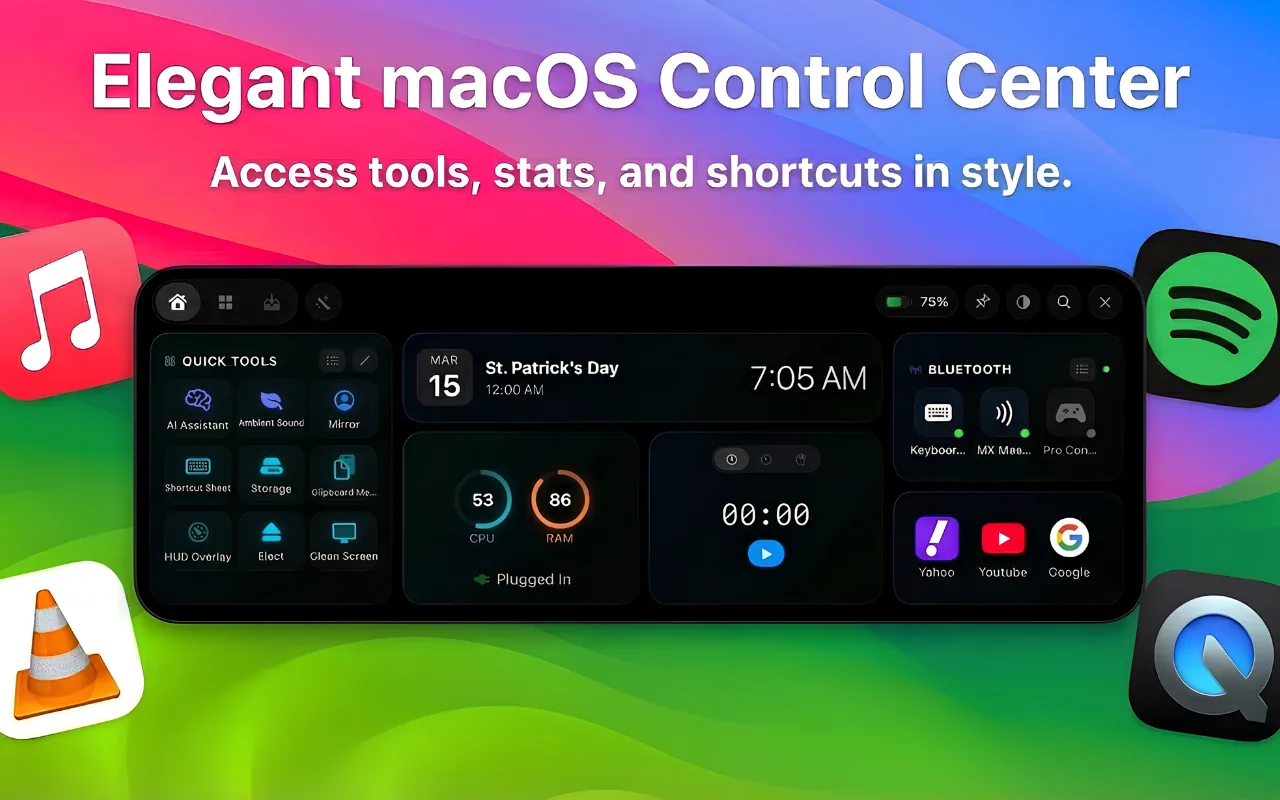
See what is playing and control playback from the notch, without switching apps.
Drop files onto the notch to keep them close while you work, then drag them where they need to go.
Start a timer or a focus session from the notch and keep an eye on it at a glance.
Check CPU, memory and battery without opening another app.
Summarize, rewrite, translate or fix the grammar of text you paste in.
Three visual modes, VoiceOver support, keyboard navigation and support for more than one display.
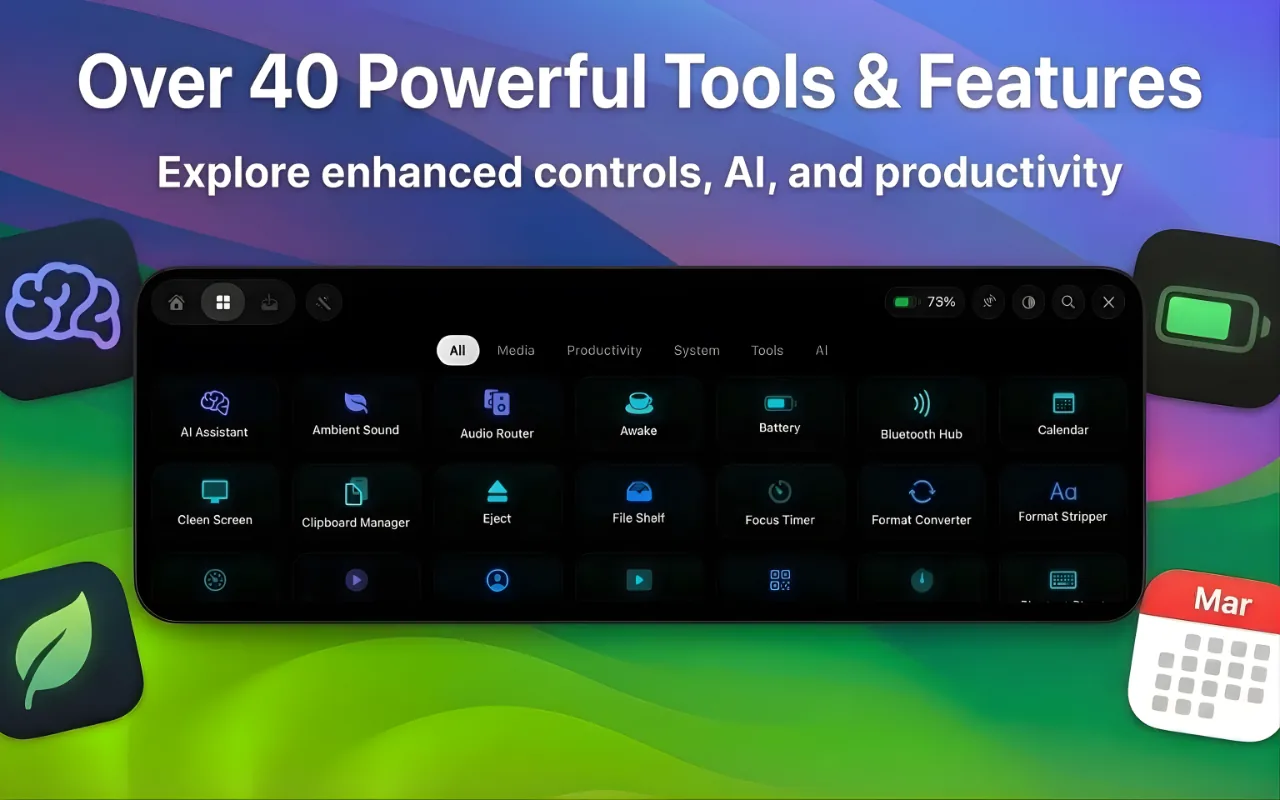
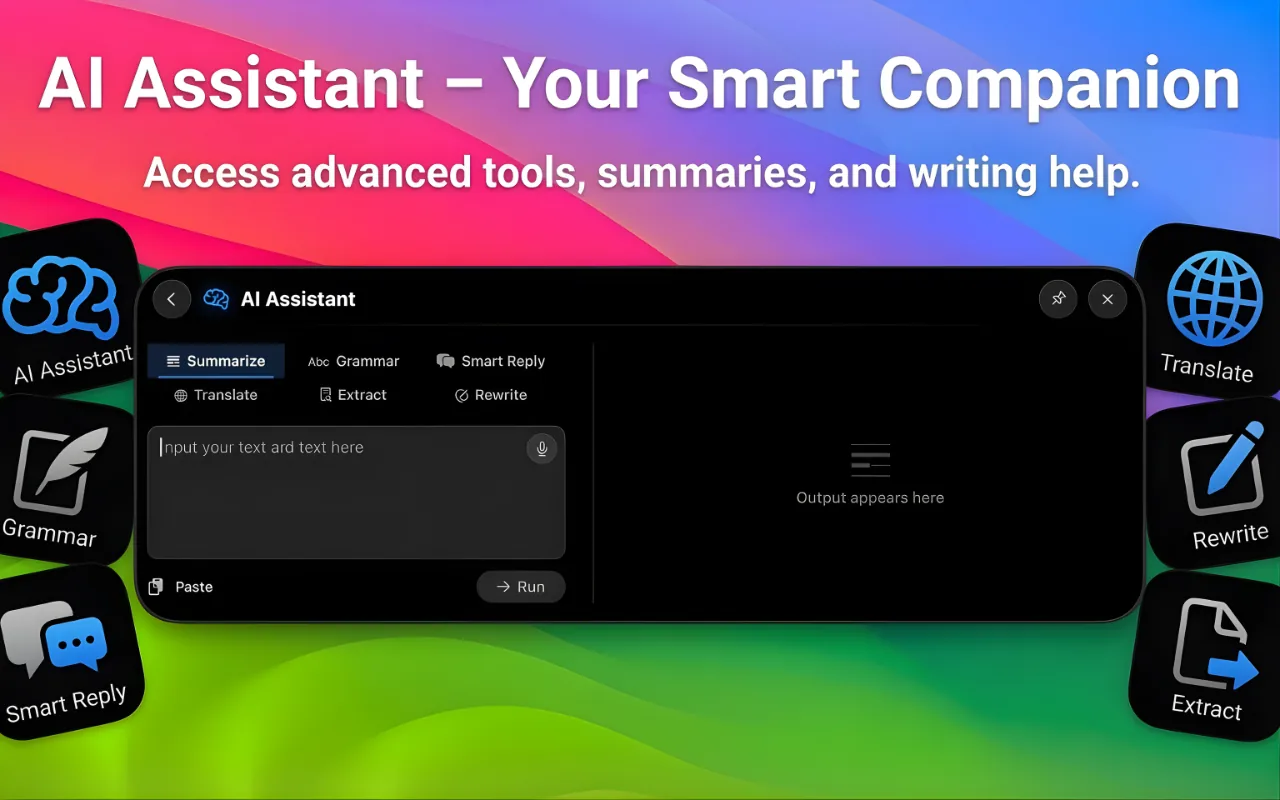
NotchOS is a Mac app that turns the notch on a MacBook display into a drop-down panel. Hover over the notch to reach more than 40 widgets, including media controls, file staging, timers, system stats and AI tools.
NotchOS is made for MacBooks with a notch in the display and requires macOS 15 or later. It also supports setups with more than one display.
NotchOS is free to download from the Mac App Store. A NotchOS Pro subscription, billed through your Apple Account, is required to access all features.
The NotchOS App Store listing states that your data stays on your Mac. The privacy policy explains the details.
Visit NotchOS support for answers and contact details.