Weigh it with your camera.
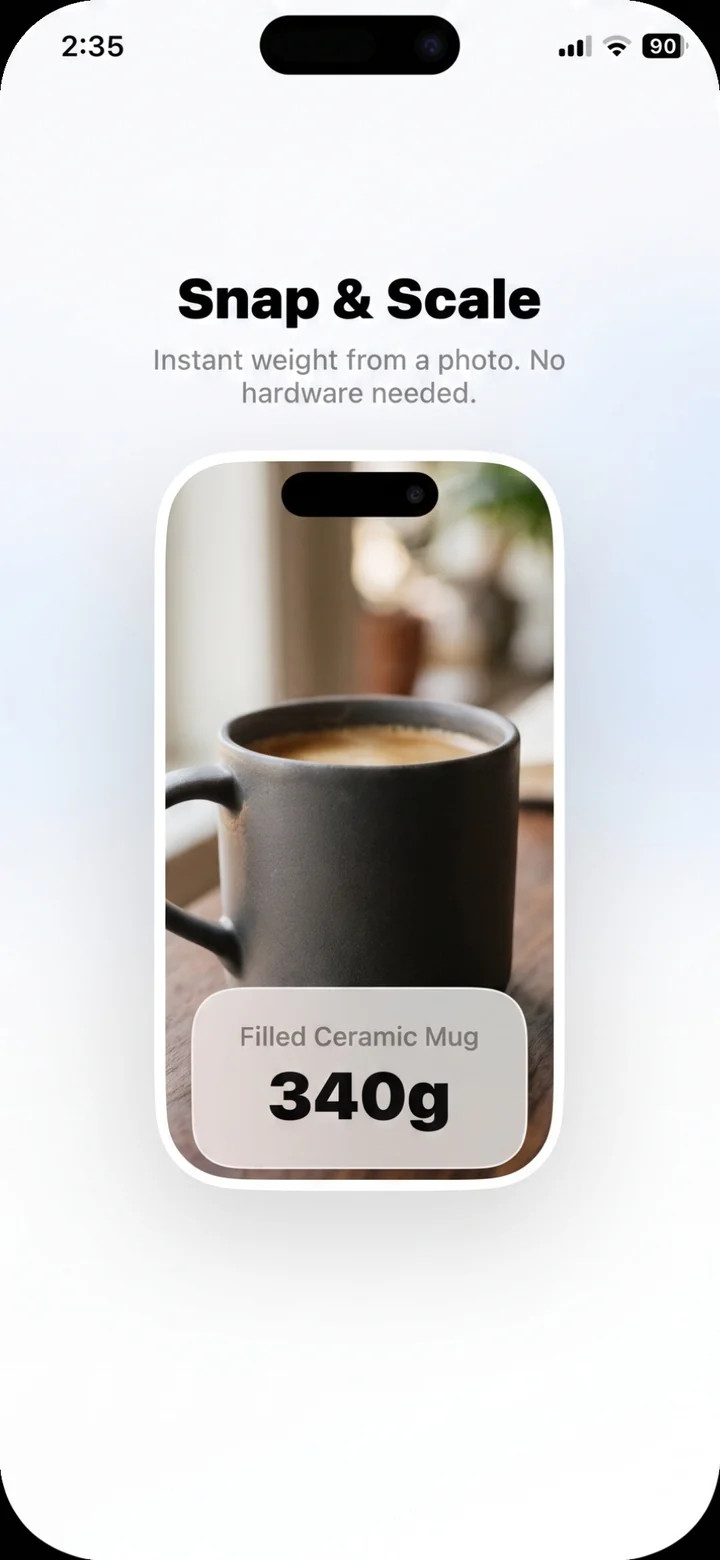
Point your iPhone at food, a parcel or a ring and get a weight estimate in grams, with an honest confidence range.

Eight things it can read from a photo
Weight
An estimate in grams, ounces, pounds or milligrams, with a confidence range.
Size
Estimates of dimensions and distances from a photo.
Calories
Names the food on a plate and estimates calories, macros and portion size.
Plants
Names a plant from its leaves or flowers, with care notes.
Counting
Counts the items in a photo, for stock checks and jars of screws.
Translation
Translates the text on a sign, a menu or a document.
Coins and notes
Identifies coins and banknotes, with their denomination and country.
Colors
Pulls the main colors out of a scene, with names and hex values.
How it works
No account, no calibration.
Pick a mode
Open Scale For Grams, choose Scale or one of the other modes, and point the camera.
Take the photo
A coin or a card next to the object gives the estimate something to measure against.
Read the result
The estimate arrives in seconds, with its confidence range and a few notes.
Questions
How can I weigh something without a scale?
Point your iPhone camera at the object and Scale For Grams estimates its weight. You get a number in grams or ounces with a confidence range, in seconds, with no hardware.
How accurate is it?
Every estimate comes with a confidence range. Shadow, camera angle and how much of the object is visible all move the number. Scale For Grams is not a certified scale; when precision matters, use one.
Can it weigh food and portions?
Yes. Point it at ingredients, meals or portions and get grams for cooking, baking and recipes.
Can it estimate jewelry or coins?
Yes, it gives a gram and carat estimate for rings, chains and coins. It is not a valuation or appraisal tool.
What happens to my photos?
There is no account. A photo is analyzed only when you ask, and nothing you scan is stored on our servers or sold. The privacy policy has the details.
Try it on the next thing you pick up.